For business analysts, product owners and delivery teams
Requirements documents from Azure DevOps
Send requirements to reviewers without rebuilding them in Word. Bravo Notes turns selected Azure DevOps work items into a dated document with descriptions, acceptance criteria and images. Include linked test cases to show the relationships recorded in Azure DevOps, then reuse the template for the next review.
30 days, every feature, no credit card. The trial does not convert into a paid plan automatically.
Keep requirements in Azure DevOps and send a review copy
Customers, architects and other reviewers may need a document rather than access to your backlog. A saved template gives them the fields and linked test cases you choose. Keep updates in Azure DevOps and export a new review copy when the requirements change.
What goes into the document
- Work item ID and title as the heading, so every requirement is traceable to its source.
- Description and acceptance criteria as rich text, with images embedded in the PDF.
- Linked test cases through the Tested By relationship, with a warning when a requirement has none.
- Optional grouping by a field such as Area Path, plus a table of contents in the PDF. Use linked-item sections for a feature and its child stories.
Build the document in Azure DevOps
Step 1
Select the requirements
Use a saved query for the release, feature or area under review, or add the child stories of an epic from the backlog. Hierarchical queries are flattened into a list you can check.
Step 2
Map the fields
The starter prints Description and Acceptance Criteria. Teams on a CMMI or custom process swap in their own field reference names, found under Process in the organization settings.
Step 3
Export a dated snapshot
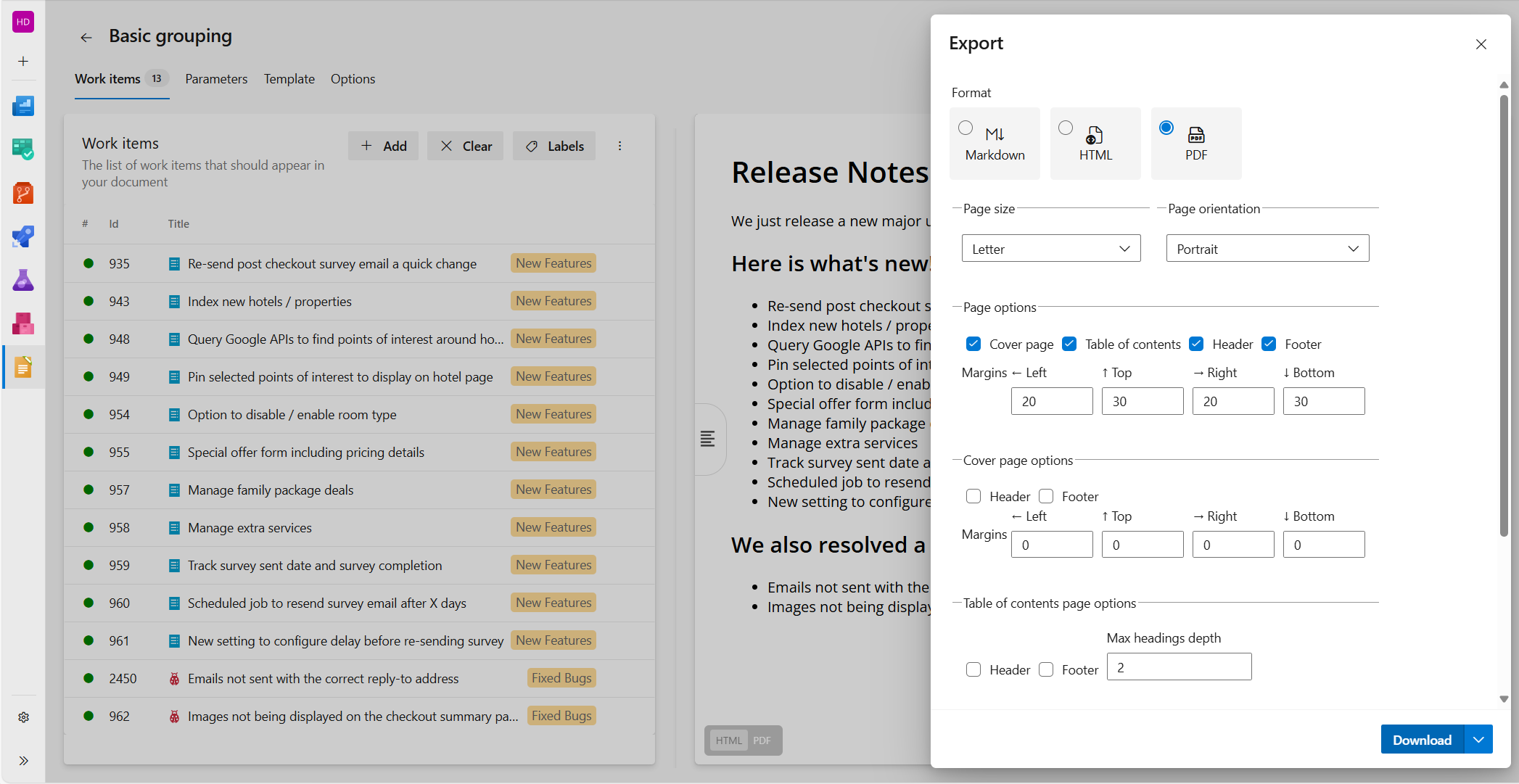
Fill in the version parameter, check the preview and export PDF with a cover page and table of contents. Keep the file; the next review is the same query and template again.
Next time
Refresh the query and raise the version parameter. Because the layout does not change, reviewers can compare two versions side by side.
Starter template
Paste this on the Template tab and add the requirements with a query. The acceptance criteria field below is the one used by the Agile and Scrum processes; change it if your process uses another field.
Paste into the Template tab
# Requirements: {{ param 'ProductName' }}

Version {{ param 'Version' }}, {{ date format='d mmmm yyyy' }}. {{count}} requirements.

{{#workItems orderBy='Id'}}
## {{ id }}: {{ field 'Title' }}

{{{ field 'Description' }}}

### Acceptance criteria

{{{ field 'Microsoft.VSTS.Common.AcceptanceCriteria' }}}

{{#linkSection 'Microsoft.VSTS.Common.TestedBy-Forward'}}
### Covered by

{{#workItems}}
- {{ id }}: {{ field 'Title' }}
{{/workItems}}
{{else}}
**No test case is linked to this requirement.**
{{/linkSection}}

{{/workItems}}
Parameters to fill in on the Parameters tab: ProductName, Version
Start with fields, sections and linked items in the syntax reference.
Example document excerpt
Requirements: Orderflow
Version 4.12, 11 November 2026. 14 requirements.
4812: Export filtered invoices
An account manager can download the currently filtered invoice list as a CSV file from the Invoices page.
Acceptance criteria
- The CSV contains only invoices matching the selected filters.
- Amounts use the account currency with two decimals.
Covered by
- 2041: Export invoices with a date filter
- 2042: Export an empty invoice list
Illustrative excerpt with fictional work items. This is not a captured Bravo Notes export; your template, data and export settings determine the final document.
We currently build your first custom template for free during your trial.
Contact us“Incredible extension, saves so much time as we are able to provide digital release notes and feature documentation for our customers and prospects using DevOps as the source of truth.”
What you need
- Any Bravo Notes subscription plan. Professional or Business when more than one person or project produces documents.
- Work items with their description and acceptance criteria filled in; the template formats what is there.
- Tested By links between requirements and test cases if you want the coverage section.
Plans apply to one Azure DevOps organization and include named seats for document creators. Readers of exported files do not need a Bravo Notes license. Links back to work items still require Azure DevOps access. Compare plans.
Frequently asked questions
- Our process uses different fields. Does this still work?
- Yes. Any field renders by its reference name, for example the CMMI requirement fields or a custom field. The syntax reference explains short and fully qualified field names.
- Can I include child or parent work items?
- Yes. The links and linkSection helpers follow any link type, such as Child, Parent or Tested By. The starter uses it for test coverage; the same block lists the stories under a feature.
- Do images from the description come through?
- Yes. Images stored in Azure DevOps are downloaded with your permissions and embedded in the PDF. For HTML and Markdown exports you choose whether to keep, download or host them.
- Can I generate one document per feature?
- Yes. Save a query for each feature and export each selection with the same template. To show several features in one document, use linked-item sections for their child stories. The group helper groups by field values such as Area Path; it does not infer the parent feature.
Go deeper
Try requirements documents with your own work items
Install Bravo Notes in your Azure DevOps organization. Start with a small selection of work items, adapt the template above and check the preview before exporting your first document.
Start free trial30 days, every feature, no credit card. The trial does not convert into a paid plan automatically.
Compare plans